


NEWYou can now listen to Fox News articles!
Have you ever spotted a great pair of shoes in a video and wondered where to buy them? Maybe someone sent you a photo of a restaurant, plant or gadget and you wanted to know more without typing a description into Google.
Apple’s newly released iOS 27 gives iPhone owners an easier way to do that. Visual Intelligence can now understand what’s already displayed on your screen, so you can search an object, ask a question about it or take action based on what your iPhone sees. Apple says you can even turn information from a flyer or invitation into a calendar event.
Samsung Galaxy and Google Pixel owners have a similar tool through Google’s Circle to Search. Instead of switching apps, you can select something directly on your screen and immediately search for more information.
Here’s how all three work and where you’ll find the controls on the latest software.
8 BIGGEST THINGS WE LEARNED FROM APPLE’S 2026 EVENT

On a Samsung Galaxy, press and hold the Home button or navigation handle to open Circle to Search and select what you want to identify. (Angel Garcia/Bloomberg via Getty Images)
Missed CyberGuy LIVE? Watch the replay and discover 5 ways AI can help you get better healthcare.
Our free CyberGuy LIVE class Get Better Healthcare with AI has ended, but you can still watch the full replay. Kurt “CyberGuy” Knutsson walks you through five practical ways AI can help you prepare for appointments, remember important details, understand complicated medical information, research prescription questions and organize your next steps. No technical experience is needed.
Plus, recordings of all our past classes are available, including How to Stop Spam, Phone Security and Financial Protection, each with a free downloadable checklist.
Watch the free replays and get your checklists at CyberGuyLive.com
What’s new with Visual Intelligence in iOS 27?
Visual Intelligence previously focused heavily on things around you. You could point your iPhone camera at something and use Apple Intelligence to identify it or search for more information. iOS 27 expands that experience to content already displayed on your iPhone. Take a screenshot and Visual Intelligence can offer tools based on what it recognizes. Apple says those options can include visual search, questions about the screen, text summaries, Read Aloud and actions such as adding an event to Calendar.
That opens up some useful possibilities. Say you’re watching a video and notice a lamp you like in the background. You can pause the video, take a screenshot and search for something similar instead of trying to describe the lamp yourself. You could also receive a digital event flyer in Messages. Rather than switching to Calendar and manually entering the details, Visual Intelligence may recognize the event information and give you an option to add it.
That’s the big reason we’re looking at this feature now. iOS 27 brings Apple’s visual search much deeper into what you’re already doing on the iPhone. If you recently installed Apple’s latest update, you’ll also want to check out our article on 10 iOS 27 features you’ll want to try now.
Which iPhones can use Visual Intelligence?
One thing to keep straight is that an iPhone can support iOS 27 without supporting Visual Intelligence. Apple Intelligence on iOS 27 requires an iPhone 15 Pro, iPhone 15 Pro Max or iPhone 16 model or later. Availability can also vary by language and region. Meanwhile, iOS 27 itself works on many older iPhones. So, if you installed iOS 27 on an older supported iPhone and don’t see these Visual Intelligence tools, your phone may simply lack the hardware needed for Apple Intelligence.
How to use Visual Intelligence on your iPhone screen in iOS 27
This is the new part I think many iPhone owners will want to try first.
- Open the app or screen containing what you want to search.
- Quickly press and release the side button and volume up button at the same time to take a screenshot.
- Look at the Visual Intelligence tools at the bottom of the screen.
- Tap Search to look for similar items or related information.
- Swipe over a specific object if you want to narrow the search to that item.
- Tap Ask if you want to ask a question about what’s on the screen.
- Depending on the content, you may also see Add to Calendar, Summarize, Read Aloud or a link to a relevant website.
- When you’re finished, tap the X to delete the screenshot or the check mark to save it.
The available buttons change based on what’s inside the screenshot, so don’t expect every option to appear each time. I like that Apple built this around the screenshot process because most iPhone owners already know how to do that. You don’t have to learn an entirely new gesture before you can start experimenting.
You can also use Visual Intelligence with your iPhone camera
On a supported iPhone, Visual Intelligence can use the camera to help you learn more about what’s in front of you. Apple says you can search for similar images, get details about a business, translate or summarize text and identify certain plants and animals. If your iPhone has Camera Control, one of the quickest ways to use Visual Intelligence is to press and hold Camera Control. Then point your iPhone at whatever caught your attention and choose from the options that appear.
There’s also a newer option in iOS 27 if you turn on Siri AI. Open the Camera app and tap Siri to switch to Siri mode. From there, you can ask questions, search based on what’s in the camera frame or take suggested actions. Siri AI is still officially in beta as and availability depends on your device, language and region. I like this camera side of Visual Intelligence because you don’t have to know exactly what you’re looking at before you search for it. Point your iPhone at something that interests you, then let the phone help you figure out what to ask next.
APPLE AI SECURITY UPDATE PROVES HACKERS MOVE FAST
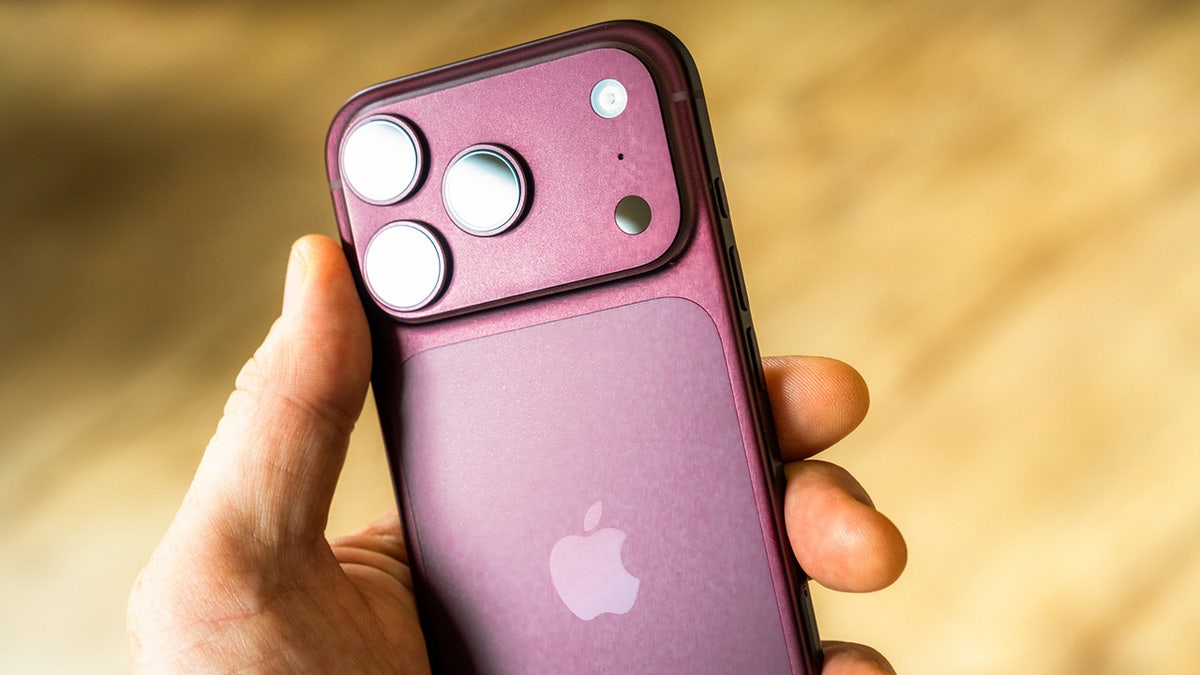
On an iPhone with iOS 27, Visual Intelligence can search or answer questions about something captured in a screenshot. (Amazon)
How Circle to Search works on Samsung Galaxy phones
Samsung Galaxy owners may already be familiar with Google’s Circle to Search. The feature arrived on Galaxy devices before Apple’s new iOS 27 screen-search capability and remains available across a growing number of compatible phones and tablets.
According to Samsung, Circle to Search works on select Galaxy devices running Android 14 with One UI 6.1 or later. The company began rolling out its newer One UI 9 software in September 2026, but you do not need One UI 9 to use Circle to Search.
One advantage is that you don’t have to take a screenshot first. Instead, you can activate Circle to Search directly over whatever you’re already viewing on the screen.
How to use Circle to Search on a Samsung Galaxy
First, make sure Circle to Search is enabled.
Go to Settings > Display > Navigation bar, then make sure Circle to Search is turned on.
Then:
- Open something you want to search, such as a photo in Gallery, a webpage, a product in a shopping app or a social media post.
- Look at the very bottom of your screen.
- If you see three buttons, press and hold the center Home button. It usually looks like a circle. Keep holding it until Circle to Search appears.
- If you do not see three buttons and instead see a short horizontal line centered at the bottom, you are using gesture navigation. Press and hold that line until Circle to Search appears.
- Once Circle to Search opens, circle, tap or drag over the object you want to search.
- Google search results will appear on the screen.
- Swipe up to see more results.
- If your phone detects text, you can select it and use options such as Copy or Translate.
Circle to Search can also work while the Camera app is open on supported Galaxy devices. Point your camera at something, then use the same Home button or navigation handle method to open Circle to Search and select what you want to investigate. That can be especially useful when you’re looking at something in a store or trying to identify an object without taking a photo first.
What if Circle to Search isn’t working on your Galaxy?
Start with the simplest check.
Go to Settings > Display > Navigation bar and make sure Circle to Search is turned on. You should also keep your phone software and Google app updated.
If you see a message saying search isn’t available because of your settings, go to Settings > Apps > Choose default apps > Digital assistant app and check whether Analyze on-screen images is enabled.
Keep in mind that some apps can block screen capture or analysis for security or copyright reasons. Circle to Search may not work inside those apps.
How Circle to Search works on Google Pixel phones
Google Pixel phones use the same underlying Circle to Search feature, although some capabilities can vary by model. Google currently supports Circle to Search on Pixel 6 and later. Like on Galaxy, you can search something already displayed on your Pixel without leaving the app.
ANDROID MALWARE CAN STEAL YOUR PIN AND BANK LOGINS

Your phone can now help you search for what you see without having to describe it yourself. (Kurt “CyberGuy” Knutsson)
How to use Circle to Search on a Google Pixel
Before trying the gesture, make sure Circle to Search is turned on. Go to Settings and use the search bar at the top to search for Circle to Search. Tap the result, then make sure the feature is enabled.
If Circle to Search still does not work, go to Settings > Apps > Default apps > Digital assistant app. Make sure Google is selected as your digital assistant and that Use screen and app data is turned on. Google also recommends keeping the Google app updated.
Then:
- Open something you want to search, such as a photo in Google Photos, a webpage, a product in a shopping app or a social media post.
- Look at the very bottom of your screen.
- If you use gesture navigation, you’ll see a short horizontal line centered along the bottom edge of the screen. That is the navigation handle. Touch and hold that line until the Google search bar and a glow appear.
- If you use 3-button navigation, you’ll see three buttons along the bottom of the screen. The Home button is the center button. Touch and hold the Home button until Circle to Search appears.
- Once Circle to Search opens, circle, highlight, scribble over or tap the image or text you want to search.
- Google search results will appear on the lower half of the screen.
- Tap or swipe up on the results to see more.
- When you’re finished, swipe down, use the back gesture or tap the X in the upper-left corner.
You can also adjust your selection by dragging its borders. Google lets you add words to your search for more specific results, and Circle to Search can translate content on the screen, too.
If nothing happens when you press and hold the navigation handle or Home button, try Circle to Search on your Home screen, Chrome or a photo in Google Photos. Some apps can block screen capture or screen analysis, which can prevent the feature from appearing.
What can you actually use these visual search tools for?
Shopping is probably the most obvious example. You might see a jacket in an Instagram video or a chair in someone’s living room photo. Instead of trying to come up with the perfect search terms, you can select what you’re looking at and let your phone do the visual searching. Travel can be another useful situation. Maybe someone sends you a photo of a landmark you don’t recognize or you see a restaurant in a video from a city you’re visiting. Visual search can help you identify it and start digging into the details.
Text may be even more useful. Circle to Search can copy and translate text without making you jump between apps. On iPhone, Visual Intelligence can recognize text and may offer actions based on what it sees, such as summarizing it or creating a calendar event. I would still double-check anything important. Visual search results can identify the wrong object or show you something that only looks similar. Think of these tools as a fast way to start searching rather than a guarantee that the first answer is correct.
What about privacy when your phone analyzes your screen?
This is worth thinking about because these tools can see content that you intentionally select from your screen. Apple says many Apple Intelligence requests run directly on the device. More complex requests can use Private Cloud Compute. Apple says data sent to Private Cloud Compute is used to fulfill the request and is not retained by that system afterward.
Apple also gives iOS 27 users Visual Intelligence controls under Settings > Siri. Depending on your setup, those controls can include options related to Visual Intelligence and visual search.
Google says Circle to Search activity can be saved with your other Google Search activity. Search history and personalization controls can affect how that information is handled.
I would be selective about using visual search on highly sensitive screens. Banking information, medical records, passwords or private documents are poor places to experiment with any cloud-connected search feature.
We’ve also taken a closer look at AI privacy and security in our article Is Apple Intelligence on your iPhone really secure?
Kurt’s key takeaways
I like features that save me from trying to describe something I can already see. If there’s a watch, plant, restaurant or piece of furniture right in front of me, I would much rather point at it or select it than play a guessing game with search terms. Galaxy and Pixel owners have had a head start with Circle to Search, and Google’s approach remains very fast. Hold the control at the bottom of the screen, select what caught your eye and you’re searching. Apple’s iOS 27 update now gives supported iPhone owners a much more capable way to do something similar through Visual Intelligence. What interests me most about Apple’s approach is what happens after the iPhone recognizes something. Searching for a product is useful, but turning an invitation into a calendar event or summarizing text can save additional steps. That’s where these tools start feeling like something you may actually use instead of a feature you try once and forget. I would still keep one healthy habit: check the result before trusting it. These tools can be impressively fast, but a confident-looking answer can still be wrong.
Would you be comfortable letting your phone analyze almost anything on your screen if it saved you time, or are there some things you would never want Visual Intelligence or Circle to Search looking at? Let us know by writing to us at CyberGuy.com.
Sign up for my FREE CyberGuy Newsletter
- Get my best tech tips, urgent security alerts and exclusive deals delivered straight to your inbox.
- For simple, real-world ways to spot scams early and stay protected, visit CyberGuy.com – trusted by millions who watch CyberGuy on TV daily.
- Plus, you’ll get instant access to my Ultimate Scam Survival Guide free when you join.
CLICK HERE TO DOWNLOAD THE FOX NEWS APP
Copyright 2026 CyberGuy.com. All rights reserved.

