

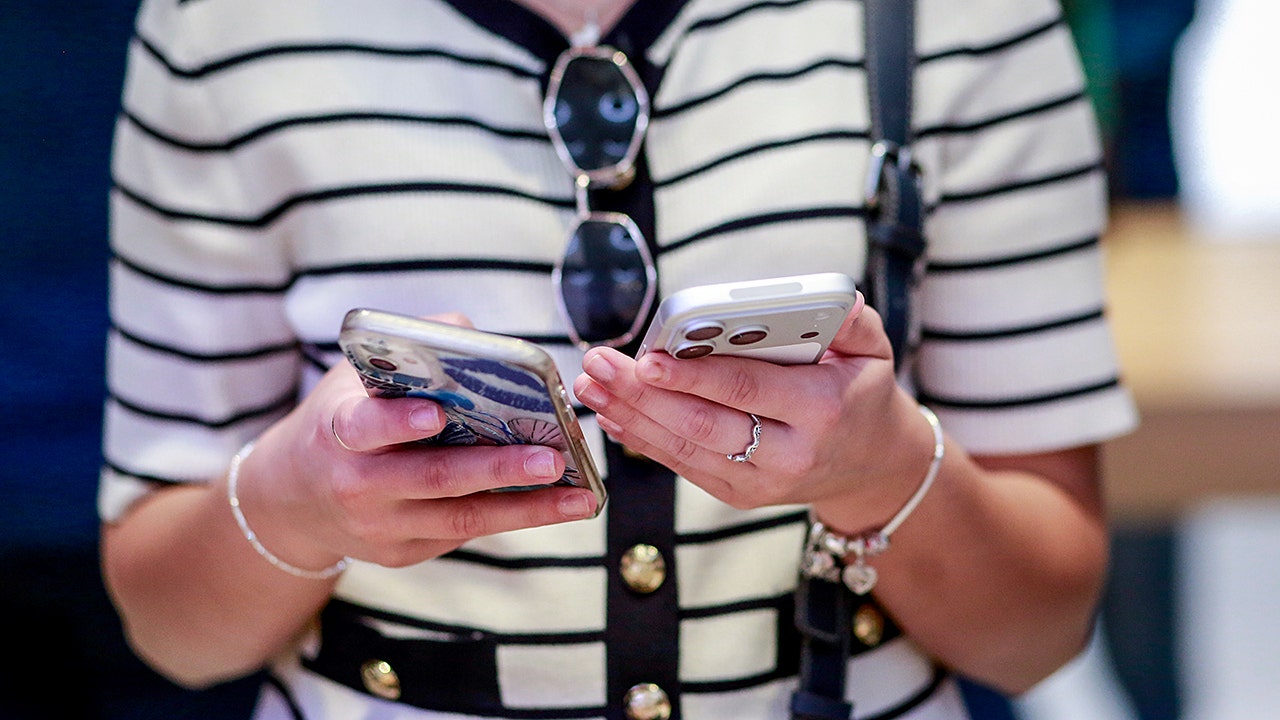
Apple unveils foldable iPhone Duo starting at $1,999
Apple’s newly unveiled foldable iPhone Duo sparks significant consumer interest despite a hefty $1,999 starting price tag. On ‘Varney & Co.’, Taylor Riggs explains the premium device’s unique dual-screen capability and ultra-thin design. Host Stuart Varney admits he plans to purchase the high-end smartphone, which can cost up to $3,000 for the two-terabyte storage model.
NEWYou can now listen to Fox News articles!
You take a great photo, send it to someone and then hear the question nobody wants to hear: “Why does this look blurry?” That can happen because some sharing methods resize or compress photos before they reach the other person. The image may still look fine on a phone screen, but zoom in or try to print it and the lost detail becomes easier to spot.
With iOS 27 Apple is addressing one long-standing version of that problem. Shared Albums can now store newly added photos and videos in their original formats at full resolution. Samsung Galaxy and Google Pixel phones also have built-in ways to send photo files without relying on a messaging app that may shrink them along the way.
Join us for a free CyberGuy LIVE class.
Kurt “CyberGuy” Knutsson shares practical ways to stay safer, smarter and more confident with technology. Explore classes on stopping spam, phone security, financial protection and using AI to get better health care. Each class is free, easy to follow and comes with a free printable checklist.
See the classes and register at CyberGuyLive.com
HOW TO SEARCH ANYTHING ON IPHONE, GALAXY AND PIXEL
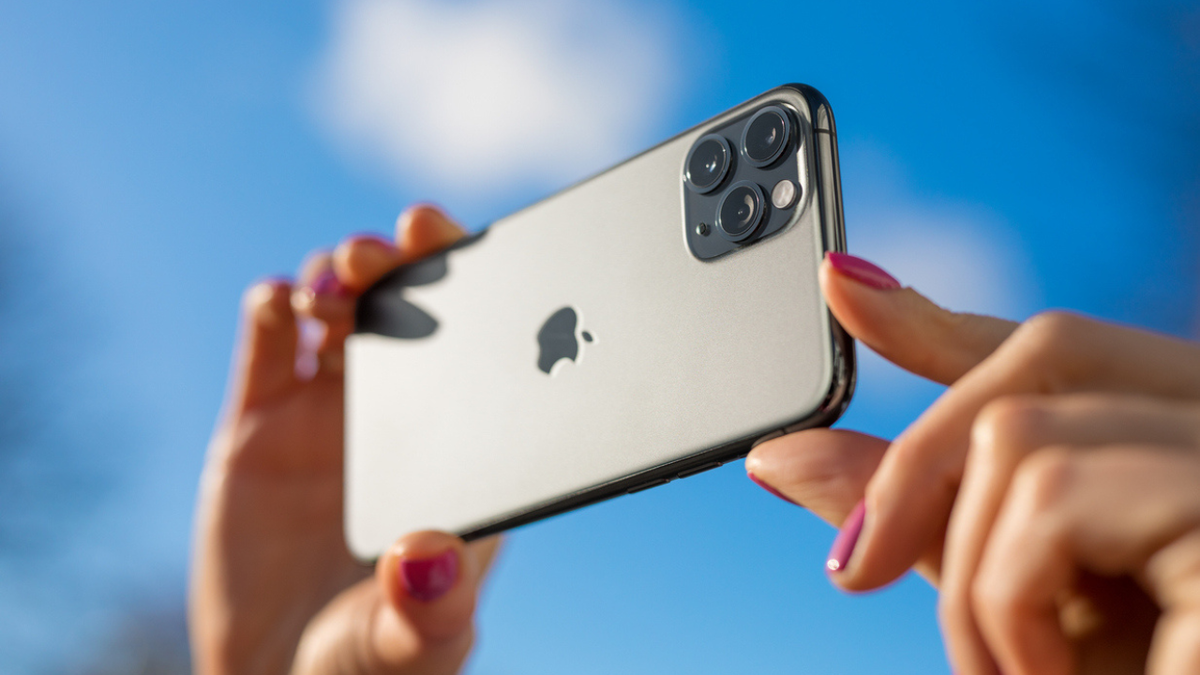
Existing Shared Albums can be upgraded so future photos and videos are added using Apple’s new full-resolution sharing experience. (iStock)
What changed with Shared Albums in iOS 27
Before iOS 27, Apple’s Shared Albums reduced photo resolution. Photos were generally limited to 2,048 pixels on the long edge, while videos could be delivered at resolutions up to 720p. Starting with iOS 27, newly shared photos and videos in the upgraded Shared Albums experience are stored in iCloud in their original formats at full resolution. That means newly shared photos can remain at their original resolution instead of being reduced to the limits used by older Shared Albums.
There is one trade-off. New items added to an upgraded Shared Album count toward the album owner’s available iCloud storage, including items other participants add. Items that were already in the album before the upgrade do not count toward that storage, and temporary Shared Albums do not count either.
How to turn on Shared Albums on iPhone
First, make sure Shared Albums are enabled on your iPhone.
On an iPhone running iOS 27:
- Open Settings
- Tap your name
- Tap iCloud
- Under Saved to iCloud, tap Photos
- Make sure iCloud Photos is turned on
- Scroll down and tap Shared Albums
- Turn on Shared Albums
Apple requires iCloud Photos for the new Shared Albums experience in iOS 27.
How to create a full-resolution Shared Album on iPhone
Any new Shared Album you create in iOS 27 automatically uses Apple’s upgraded Shared Albums experience.
To create one:
- Open the Photos app
- Tap Collections
- Scroll down to Shared Albums
- Tap Shared Albums
- Tap the + button
- Give the album a name
- Choose the photos or videos you want to add
- Tap Sharing Options to choose how people can join
- Tap Done
Photos and videos you add to that new album are stored in their original formats at full resolution. You can also allow people to join through a link. Apple says friends and family can access and contribute to a shared album on the web even if they do not have an Apple Account or Apple device.
YOUR PHONE CAN FIX BADLY FRAMED PHOTOS AFTER YOU TAKE THEM
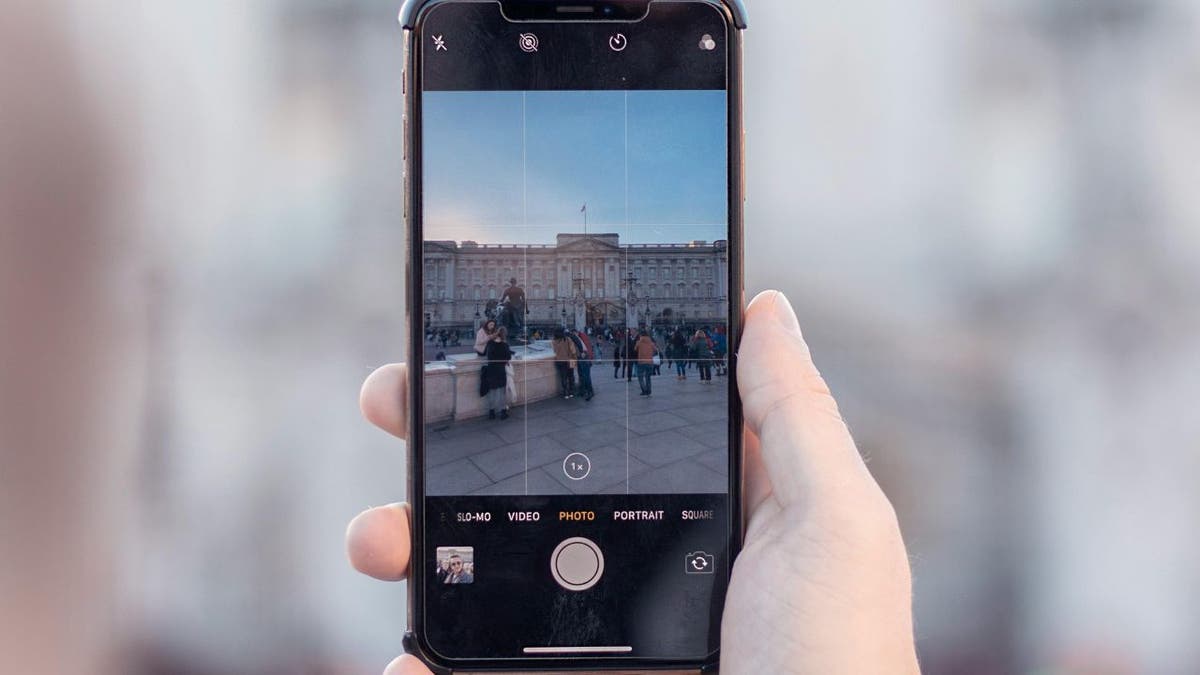
When you create a new Shared Album in iOS 27, photos and videos added to it can be stored at full resolution in their original formats. (Kurt “CyberGuy” Knutsson)
What if you already have an older Shared Album?
Albums created before iOS 27 stay in the older format until you upgrade them. Apple lets the owner upgrade an existing Shared Album to the new experience. After the upgrade, newly added photos and videos can be stored at full resolution. That word “newly” is important. Upgrading an album does not restore the original resolution of photos or videos that were already uploaded under the older system. So, if you have an older family album or vacation album and want future additions preserved at full quality, upgrading it makes sense.
How to save a full-resolution photo from a Shared Album
If someone shares a photo through an upgraded Shared Album, you can save it to your own library.
- Open Photos
- Tap Collections
- Scroll to Shared Albums
- Open the shared album
- Select the photo or video you want
- Tap the Share button
- Tap Save Image or Save Video
Apple says photos and videos in the new Shared Albums experience can be stored at full resolution in their original formats. However, content saved from a Shared Album may not include every piece of information contained in the original file. That means Shared Albums are much better for preserving image quality in iOS 27, but I would still keep the original file if you want the most complete archival copy.
Why texting a photo can still reduce quality
Shared Albums solve one specific problem, but they do not guarantee that every photo you send from an iPhone stays untouched. The method you choose still affects what the recipient gets. Messaging services can resize or recompress images depending on the service, connection and receiving device. We have previously covered how to send high-quality photos from an iPhone, including ways to get better results when sharing between iPhone and Android. If image quality is important, sending the actual file through a file-sharing tool is usually a safer choice than assuming a messaging app will preserve every pixel.
How to send full-quality photos from a Samsung Galaxy
Samsung Galaxy phones include Quick Share, which sends photos, videos and other files directly to nearby devices. Quick Share can send the original file without putting it through the kind of image compression you may encounter in some messaging apps. That makes it a good option when you want to preserve the quality of a photo.
To send a photo with Quick Share:
- Open the Gallery app
- Select the photo or video you want to send
- Tap Share
- Tap Quick Share
- Select the nearby device
- Have the recipient accept the transfer
Depending on the receiving device, Galaxy users can also create a QR code through Quick Share so the other person can connect and receive the file.
12 BIGGEST APPLE WWDC 2026 TAKEAWAYS YOU NEED TO KNOW
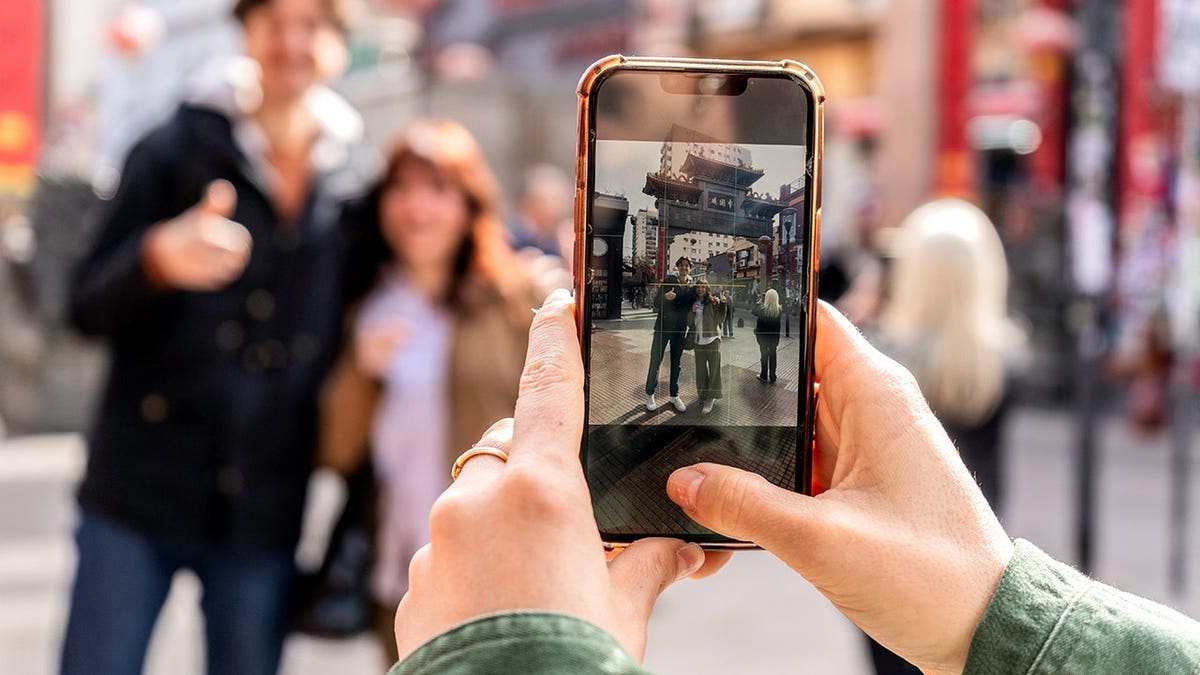
iOS 27 gives Shared Albums a full-resolution upgrade, helping newly added photos keep the detail you captured. (Frazao Studio Latino/Getty Images)
How to send full-quality photos from a Google Pixel
Pixel phones also use Quick Share for nearby file transfers.
To send a photo:
- Open Google Photos
- Select the photo or video you want to share
- Tap Share
- Tap Quick Share
- Choose the nearby device
- Wait for the recipient to accept the transfer
Quick Share can send photos, videos and other files directly to nearby Android devices, Chromebooks and supported Windows computers. You can also create a QR code if the receiving device does not appear right away. The other person scans the code to connect and receive the files.
Android can now share with some Apple devices too
Quick Share has become more useful if your household mixes Android and Apple devices. Google says Pixel 8a and later and certain supported Android phones can use Quick Share with compatible Apple devices through AirDrop. The iPhone, iPad or Mac user needs to set AirDrop to Everyone for 10 Minutes before the Android user sends the file.
On Android:
- Open the photo or video
- Tap Share
- Tap Quick Share
- Select the nearby iPhone, iPad or Mac
- Wait for the recipient to accept
Devices that do not support the direct connection can still use Quick Share’s QR-code option. Google says those files are end-to-end encrypted and remain available for download for 24 hours. That can save you from emailing photos to yourself or putting them through a social app when you want to move the original file between platforms.
Full resolution can use a lot more storage
There is a reason photo-sharing services have compressed images for years. Full-resolution files take up more space. A smartphone photo can be several megabytes, while RAW images are much larger. High-resolution video can use hundreds of megabytes or more. In iOS 27, new photos and videos added to an upgraded Shared Album count toward the album owner’s iCloud storage. That includes new items other participants contribute. If you start creating large Shared Albums, check Settings > your name > iCloud from time to time so you know how much storage you have left.
Do you always need the original-quality file?
Probably not. If you are sending a quick snapshot to a friend and they will only look at it on their phone, some compression may never be noticeable. Full quality becomes more useful when you plan to print a photo, crop into a small detail or keep an important image for years. The same thinking applies to video. A smaller copy may work fine for a quick message, while the original file makes more sense if you plan to edit it later or watch it on a larger screen. Choosing the right sharing method depends on what you plan to do with the file after it arrives.
Kurt’s key takeaways
I like this iOS 27 change because Shared Albums have always been convenient, but their old resolution limits could make them a poor place to keep the best version of an important photo. Full-resolution sharing removes that problem for newly added photos and videos. Galaxy and Pixel users already have a strong option with Quick Share when the goal is sending the actual file without routing it through a messaging app. When photo quality counts, pay attention to how you send the file. There is a storage cost to keeping everything at full resolution, especially with video. Still, for wedding photos or family memories you may want to print later, I would rather preserve the original detail and decide what to compress afterward.
Have you ever sent someone a photo you loved only to discover the version they received looked noticeably worse? Let us know by writing to us at Cyberguy.com
Sign up for my FREE CyberGuy Newsletter
- Get my best tech tips, urgent security alerts and exclusive deals delivered straight to your inbox.
- For simple, real-world ways to spot scams early and stay protected, visit CyberGuy.com – trusted by millions who watch CyberGuy on TV daily.
- Plus, you’ll get instant access to my Ultimate Scam Survival Guide free when you join.
CLICK HERE TO DOWNLOAD THE FOX NEWS APP
Copyright 2026 CyberGuy.com. All rights reserved.

