


NEWYou can now listen to Fox News articles!
You know that awful feeling when you reach for your phone and it is suddenly nowhere to be found. Maybe you left it at a restaurant. Maybe it slipped between the car seats. Or maybe somebody walked away with it. The worst time to start figuring out your phone’s tracking features is after it disappears. Fortunately, iPhone, Google Pixel and Samsung Galaxy phones include powerful tools that can help you locate a missing device and protect the information stored on it. Take a few minutes while your phone is still safely in your hand and make sure these settings are ready.
Missed CyberGuy LIVE? Watch the replay and discover 5 ways AI can help you get better healthcare.
Our free CyberGuy LIVE class Get Better Healthcare With AI has ended, but you can still watch the full replay. Kurt “CyberGuy” Knutsson walks you through five practical ways AI can help you organize your health history, remember important appointment details, understand complicated medical information, research prescriptions and prepare smarter questions for your doctor. No technical experience is needed.
Watch the free replay + downloadable checklist now at CyberGuyLive.com.
8 BIGGEST THINGS WE LEARNED FROM APPLE’S 2026 EVENT

Turn on your phone’s lost-device and theft protections now, so you are ready to locate it and protect your data if it disappears. (Kurt “CyberGuy” Knutsson)
Turn on Find My iPhone in iOS 27
Apple’s Find My system can help locate an iPhone when it is online. With the right settings enabled, supported iPhones can also remain findable when they are offline or for a period after they have been turned off.
How to turn on Find My iPhone
- Open Settings
- Tap your name
- Tap Find My
- Tap Find My iPhone
- Turn on Find My iPhone
- Turn on Find My network
- Turn on Send Last Location
Find My network lets nearby Apple devices securely help locate your iPhone when it cannot connect to Wi-Fi or cellular service. On supported iPhones, Apple says the Find My network can locate the phone for up to 24 hours after it is turned off or up to five hours while it is in power reserve mode. Meanwhile, Send Last Location automatically sends your iPhone’s location to Apple when its battery reaches a critically low level. That could give you one more place to check if the battery dies before you realize your phone is missing.
Turn on Stolen Device Protection too
While you are there, I would check another iPhone security feature called Stolen Device Protection . Open Settings > Face ID & Passcode and enter your passcode. Tap Stolen Device Protection, then make sure it is turned on. By default, Apple applies its added security requirements when your iPhone is away from familiar locations such as home or work. You can make those protections stronger by choosing Always under Require Security Delay. Stolen Device Protection can require Face ID or Touch ID for sensitive actions. Certain account changes can also trigger a one-hour Security Delay followed by another biometric check. Find My cannot be turned off while Stolen Device Protection is enabled. That extra hurdle can be especially useful if someone steals your iPhone and has also seen or learned your passcode.
STOLEN IPHONES FUEL SCARY PASSCODE SCAM
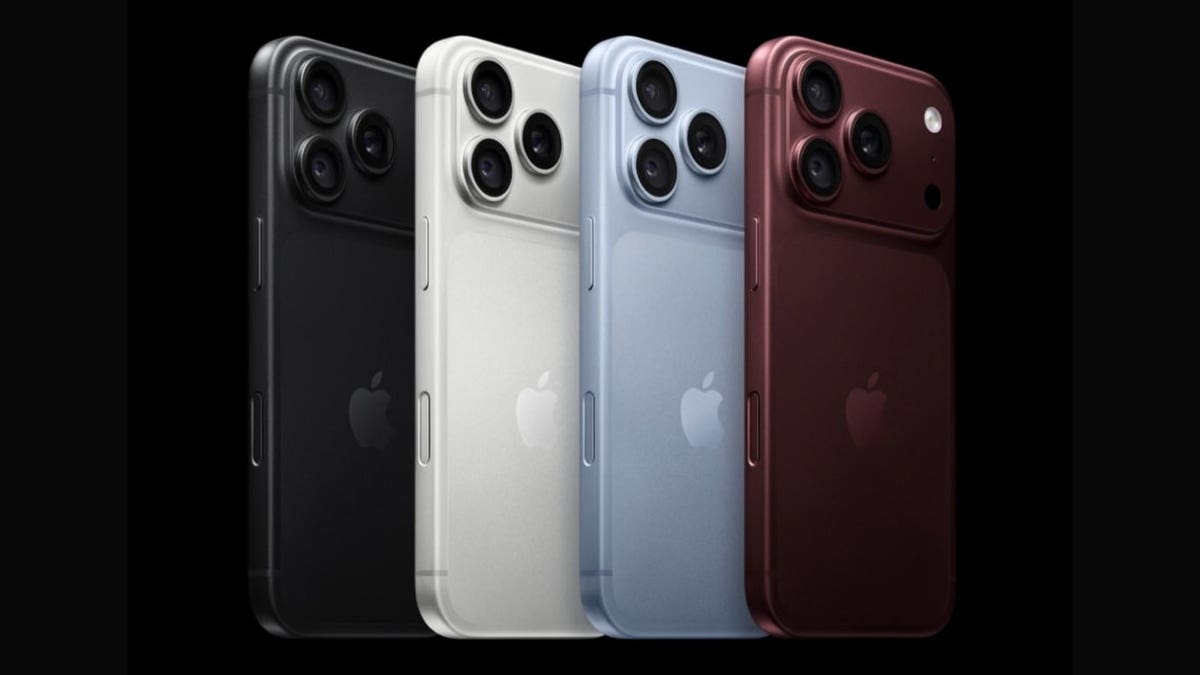
iPhone owners can use Apple’s Find My network to help locate a missing device even when it goes offline. (Apple)
Google Pixel owners should check Find Hub
Google now calls its lost-device service Find Hub. If you have added a Google Account to your Pixel, Find Hub is usually enabled automatically. Still, I would check these settings before you ever need them.
How to check Find Hub on a Pixel
- Open Settings
- Tap Security & privacy
- Tap Lost device protection
- Tap Find Hub
- Make sure Allow device to be located is turned on
- Tap Find your offline devices
- Choose the offline-finding option you prefer
For the broadest coverage, choose With network everywhere if that option appears on your Pixel. This lets nearby Android devices help locate your phone when it cannot connect normally.
You should also open Settings > Location and make sure Use location is turned on. Google recommends setting a PIN, pattern or password too. A screen lock helps your Pixel use Find Hub’s end-to-end encrypted offline-finding network. Supported newer Pixel phones can also remain findable through Find Hub for several hours after the battery runs out or the phone is powered off. For that feature to work, Bluetooth, Location and offline finding should be enabled before the phone shuts down.
Check your Pixel’s theft protections too
Go to Settings > Security & privacy > Lost device protection. From there, review the additional theft safeguards available on your Pixel. Depending on your device and software version, you may see Theft Detection Lock, Offline Device Lock, Remote Lock and Identity Check. These features can automatically lock your phone in certain situations or require biometric authentication before sensitive account changes are made. Find Hub helps you locate the phone, while these additional protections can help secure it if someone takes it.
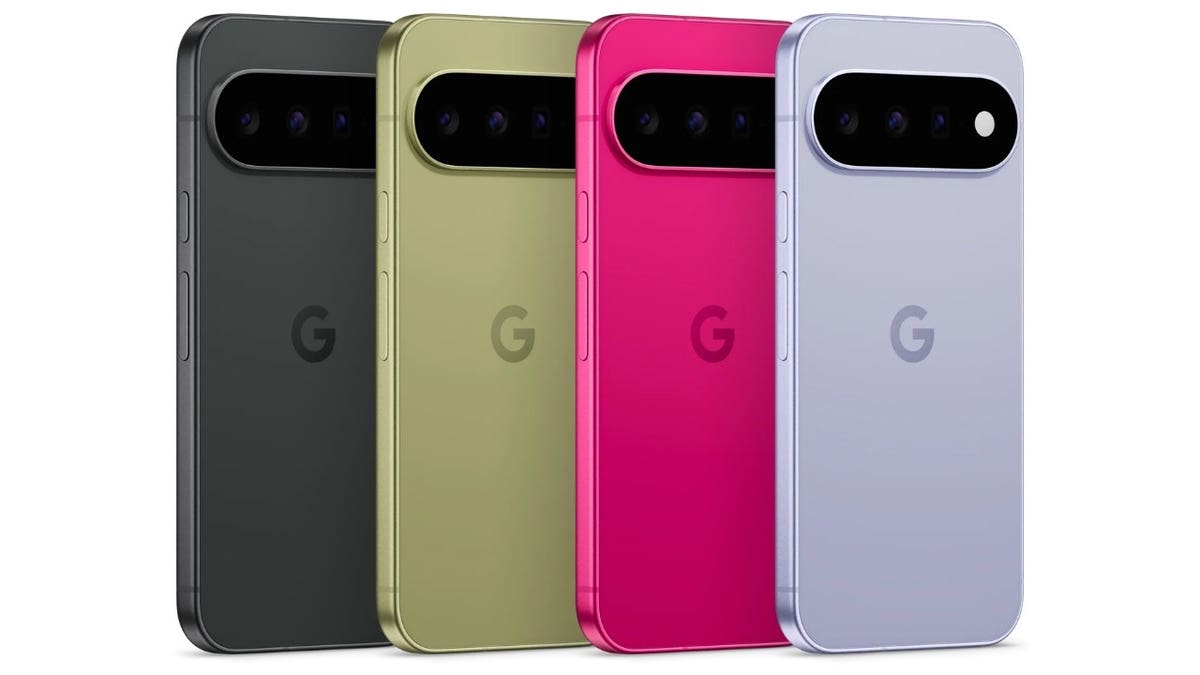
Pixel owners can use Google Find Hub and offline finding to help track down a phone when it loses its normal connection. (Google)
Samsung Galaxy owners have two finding systems
If you use a Samsung Galaxy phone, you can take advantage of both Google Find Hub and Samsung’s own device-finding tools.
How to turn on Samsung Lost device protection
- Open Settings
- Tap Security and privacy
- Tap Lost device protection
- Tap Find My Mobile
- Turn on Allow this phone to be found
- Turn on Send last location
- Turn on Offline finding
You will need a Samsung account on the phone to use Samsung Find and SmartThings Find. Send last location can preserve the phone’s last known location. Offline finding lets nearby Galaxy devices help update the location when your phone cannot connect normally. Samsung says that if the phone is powered off, you may only see its last known location. That makes turning these protections on ahead of time especially useful.
Check Google Find Hub on your Galaxy too
I would keep Google Find Hub available on a Samsung phone as well. Samsung’s current instructions say you can verify it by opening Settings > Google Services > Find Hub > tap on your device > Settings and checking that Allow device to be located is turned on. That gives Galaxy owners another way to locate or secure a missing phone through their Google Account. You may see slightly different wording depending on your Galaxy model, carrier or software version. Samsung notes that some menus can vary between devices.
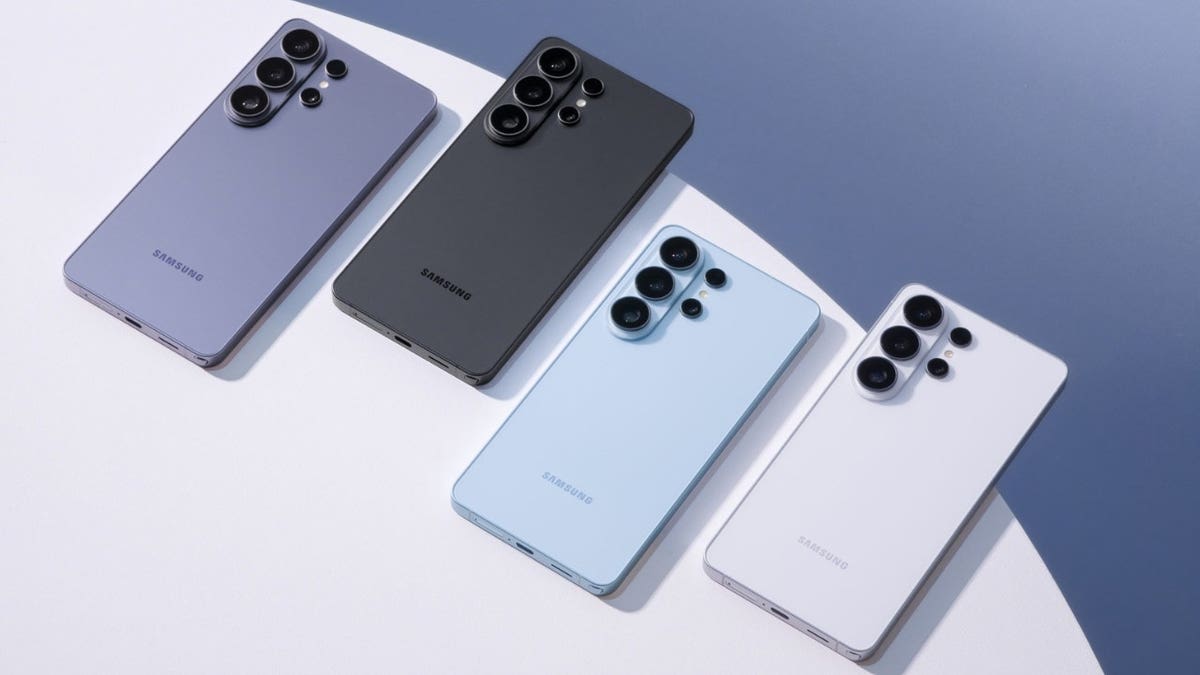
Galaxy owners can use Samsung Find alongside Google Find Hub to help locate and secure a missing phone. (Samsung)
What to do when your phone actually disappears
If an iPhone goes missing, open Find My on another Apple device or use Apple’s Find Devices service through iCloud.com. From there, you can view the phone on a map, play a sound or mark it as lost.
Google Pixel and other Android owners can open the Find Hub app on another Android device or use Google’s Find Hub through a web browser. You can locate the phone, play a sound or mark it as lost. You can also erase the device remotely if recovery looks unlikely.
Samsung Galaxy owners can use Samsung Find or SmartThings Find through their Samsung account in addition to Google Find Hub.
If the phone appears to be sitting somewhere nearby, playing a sound can save you from tearing the house apart. However, if the map shows your phone somewhere unfamiliar and you suspect it was stolen, avoid trying to recover it yourself. Contact law enforcement instead.
Watch out for scams after your phone is stolen
Losing the phone can also open the door to another problem. Thieves have used convincing Apple-style texts and fake Find My websites to trick stolen iPhone owners into revealing their passcodes. A message may claim that your missing phone has suddenly been found and include a link where you can supposedly see its location. Avoid tapping those links. Instead, open Find My yourself or go directly to Apple’s official Find Devices service. The same basic rule applies to Android. If a message claims your missing device has been located, open Google Find Hub or Samsung Find directly rather than signing in through a link somebody sent you.
Pro tip: Use strong antivirus software. Strong security software can help warn you about malicious links, phishing sites and other online threats that may appear after your phone is stolen. It adds another layer of protection, but you should still avoid clicking unexpected messages claiming your missing phone has been found. Instead, open Find My, Google Find Hub or Samsung Find directly. Get my picks for the best 2026 antivirus protection winners for your Windows, Mac, Android and iOS devices at CyberGuy.com.
A few minutes now can save a lot of panic later
Most of us do not think much about these settings while our phone is sitting safely in our hand. Then the phone disappears and suddenly every one of them becomes very important. I would check them now. Make sure your phone can be located, make sure offline finding is enabled and confirm that you know which account you would need to sign in to from another device. You may never need any of these features. If you do, you will already know where to start.
Kurt’s key takeaways
Your phone already has some impressive tools for finding it, but those tools work best when you prepare before the phone goes missing. On an iPhone, I would make sure Find My network and Send Last Location are enabled. Pixel owners should check Find Hub and offline finding, while Galaxy users can add Samsung’s Lost device protection on top of Google’s system. I would also spend another minute reviewing the theft protections available on your phone. Apple’s Stolen Device Protection and Google’s theft protection features can make it harder for someone who gets your phone to take control of your accounts. That extra layer could become incredibly valuable when you are already dealing with the stress of a missing device.
If your phone disappeared right now, would you know exactly how to find and protect it, or would you be learning these settings for the first time? Let us know by writing to us at CyberGuy.com.
Sign up for my FREE CyberGuy Report
- Get my best tech tips, urgent security alerts and exclusive deals delivered straight to your inbox.
- For simple, real-world ways to spot scams early and stay protected, visit CyberGuy.com – trusted by millions who watch CyberGuy on TV daily.
- Plus, you’ll get instant access to my Ultimate Scam Survival Guide free when you join.
CLICK HERE TO DOWNLOAD THE FOX NEWS APP
Copyright 2026 CyberGuy.com. All rights reserved.

